 Quelboo
Appointments
Choose the service. Find a time that works.
An Appointment is a one-to-one booking with a participating business. Availability, details, and later changes stay connected to that booking.
- 01
Choose a service
Select the service you need from the business offering.
- 02
Review availability
See open times based on the business settings and assigned staff.
- 03
Check the details
Confirm duration, location, participant, price, and policies before continuing.
- 04
Manage the appointment
Return to the booking later to review status. Reschedule or cancel when the business policy allows.
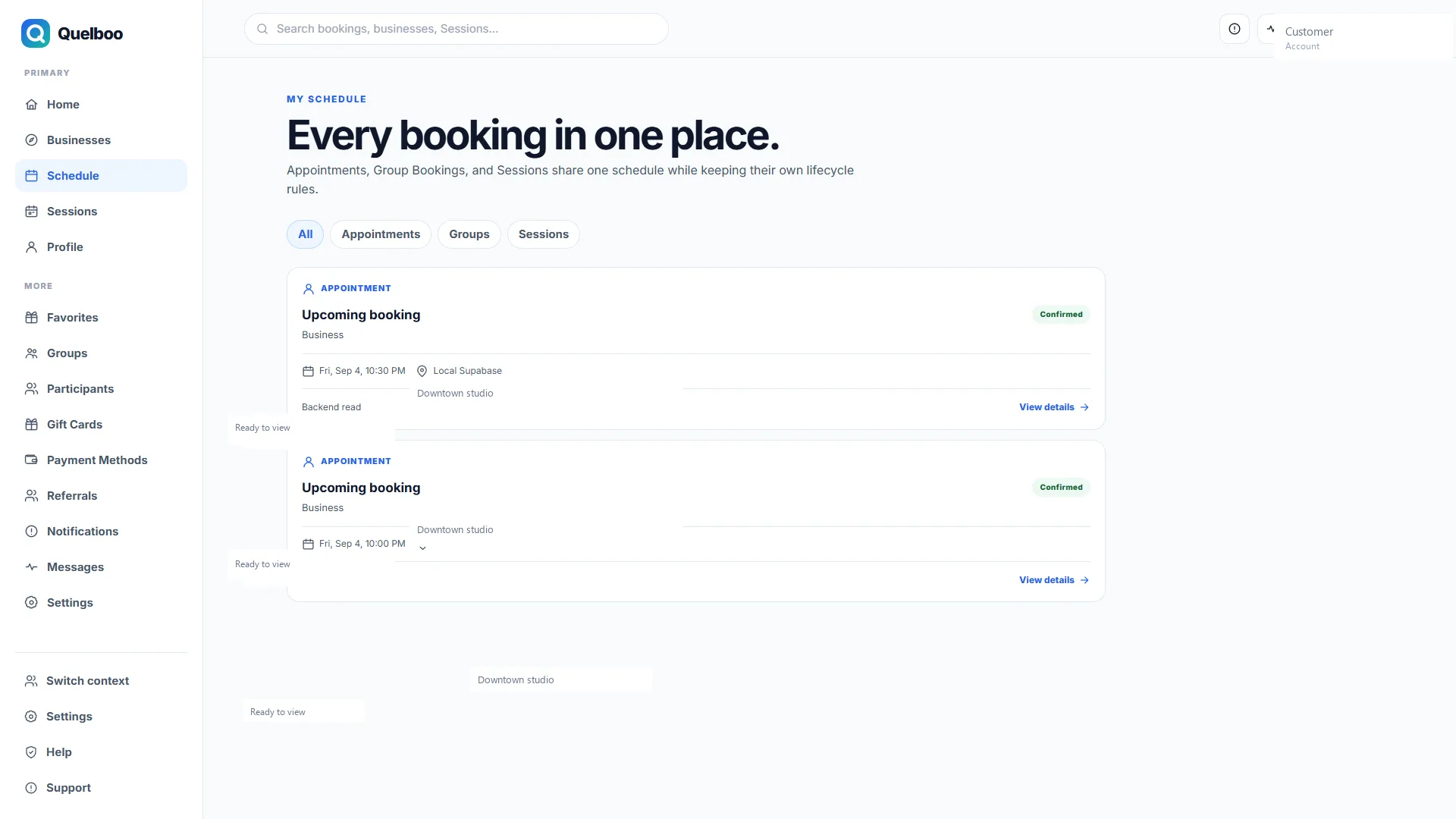
One booking record you can return to.
See the service, time, and status together after the booking is created.
When plans change
Customers can request changes according to the policy attached to that booking. A business may also update or cancel a booking. Refund eligibility follows the applicable policy and payment path—not every appointment is instantly confirmed, refundable, or reschedulable.